100 Miles Down the River Controls & Keybinds (Roblox)
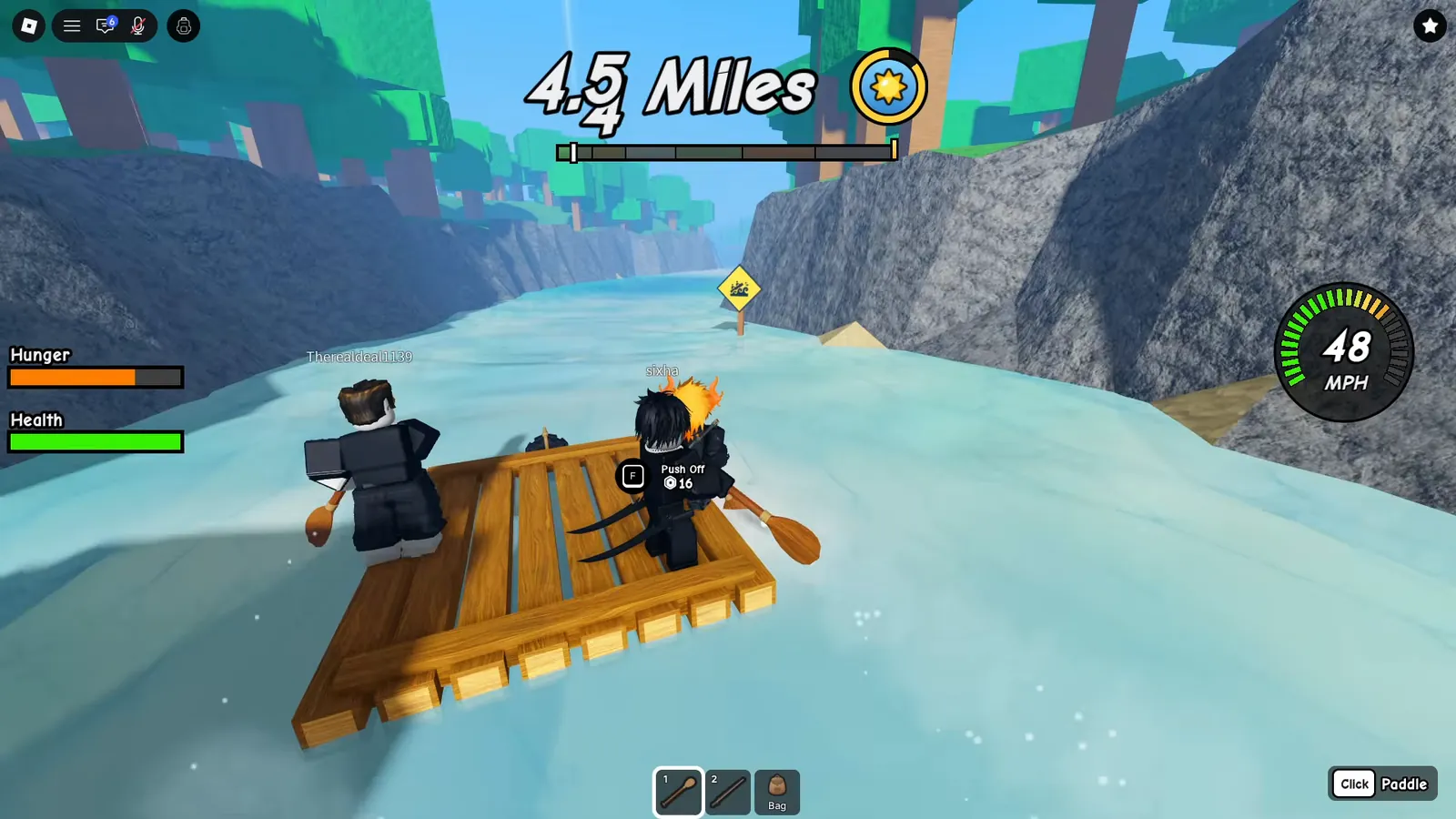
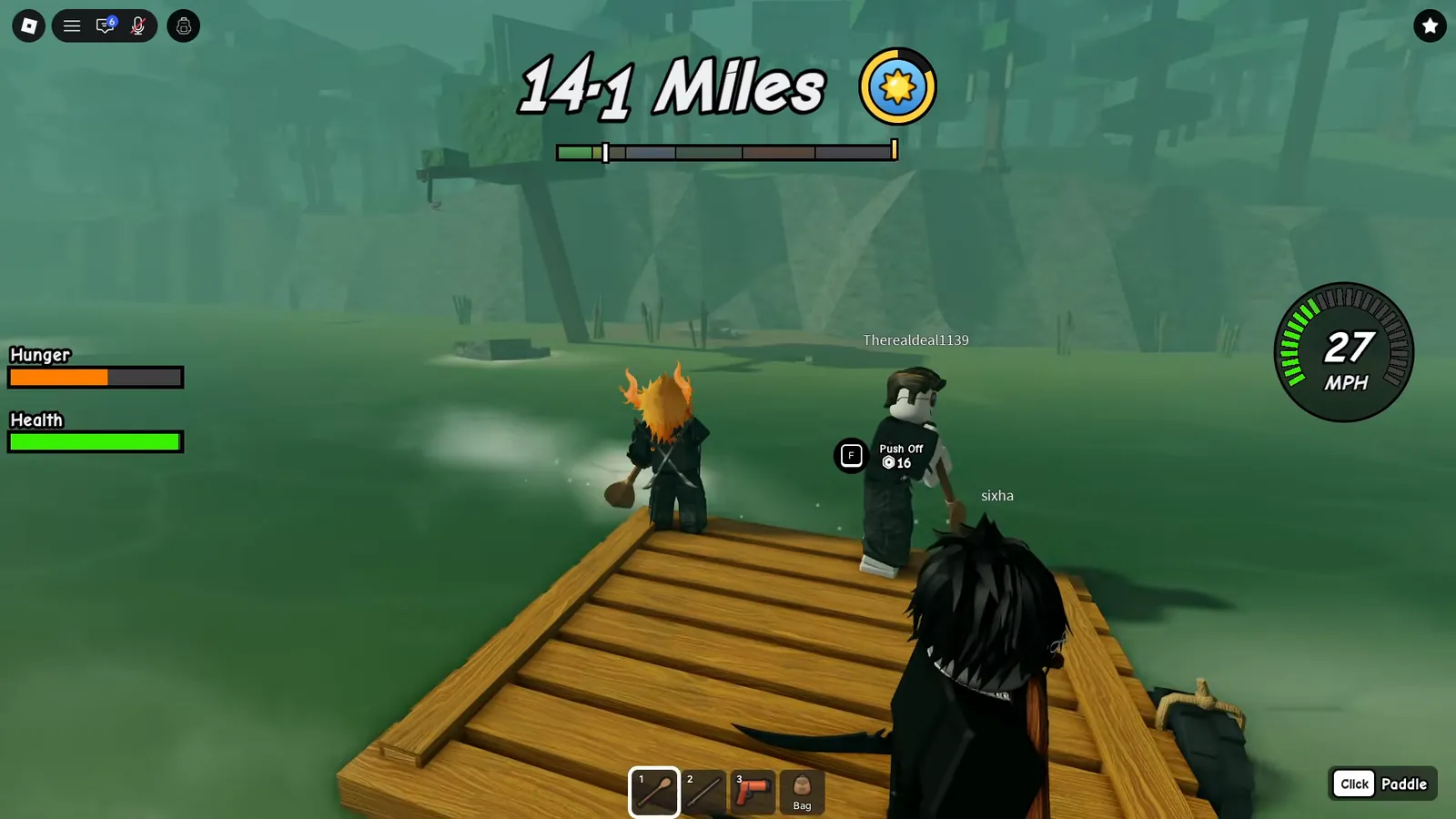
This Roblox game uses the normal Roblox keys for walking, jumping and tools. The part worth learning is the raft: you steer by where you paddle from.
Last checked:
Roblox default controls (PC and mobile)
These are the platform defaults every Roblox game starts with. Two guide wikis list the same set for this game, and neither found custom bindings.
| Action | PC | Mobile |
|---|---|---|
| Move | W A S D | Left thumbstick |
| Look around | Mouse (hold right button to turn the camera) | Drag on the right side of the screen |
| Jump | Space | Jump button |
| Use the held tool (paddle, axe, food) | Left mouse click | Tap the tool button |
| Equip an item | Number keys / hotbar | Tap the hotbar slot |
| Chat | / | Chat icon |
| Roblox menu | Esc | Roblox menu icon |
| Redeem codes | Click the Codes button on the right of the HUD | Tap the same button |
Steering the raft with the paddle
Equip the paddle from your hotbar and click (or tap) to stroke. Where you stand decides where the raft goes. This table comes from the Pro Game Guides beginner guide and is the only written source for it, so the status column says so.
| To do this | Paddle from | Status |
|---|---|---|
| Turn right | The left side of the raft | 1 source |
| Turn left | The right side of the raft | 1 source |
| Go forward | Any edge while facing downstream | 1 source |
| Go faster | The back of the raft | 1 source |
| Turbo | Hold T while the Turbo meter has charge | 1 source; the guide says Turbo costs Robux |
The inputs that matter at night
The most important action after dark is feeding the fire: hold wood and use it on the fire or lantern. One guide wiki advises landing before dusk and keeping the camera near the fire or light, so you can feed it the moment it dims.
On phones, turning the camera and feeding the fire quickly is slower than with a mouse. For a solo push to Mile 100 a PC is easier; that is a guide-site opinion, not a measured number.
- Land before dusk so you are not paddling when the night warning appears.
- Keep wood in the hotbar so the number key equips it in one press.
- If a default key does nothing, check your Roblox settings before assuming the game is broken.
Videos
Frequently Asked Questions
How do you steer the raft in 100 Miles Down the River?
Paddle from the left side to turn right, from the right side to turn left, and from the back to speed up. This comes from one guide, Pro Game Guides.
Can I change the keybinds in 100 Miles Down the River?
No guide has found a custom keybind menu in this game. Only the normal Roblox settings apply.
What does T do in 100 Miles Down the River?
Holding T uses Turbo while its meter has charge, according to Pro Game Guides, which also says Turbo costs Robux.
Where is the Codes button?
On the right side of the HUD while you are inside the game. It is an on-screen button, not a keyboard shortcut.